In plain English
- What happened
- Short videos showing off a 'personal AI assistant' have small business owners asking whether that is a separate product they need to build. The building blocks — memory, custom instructions and connected apps — are current features inside ChatGPT, Claude and Gemini, not standalone software.
- Why it matters to your business
- A business owner who thinks they need to hire someone or buy a course to get a 'personal assistant' may be paying for something already included in a subscription they have. The real work is deciding what to tell it and what not to, since anything saved to memory persists across conversations.
- Do this
- Open the settings menu in whichever chatbot the business already pays for and check whether memory and custom instructions are turned on.
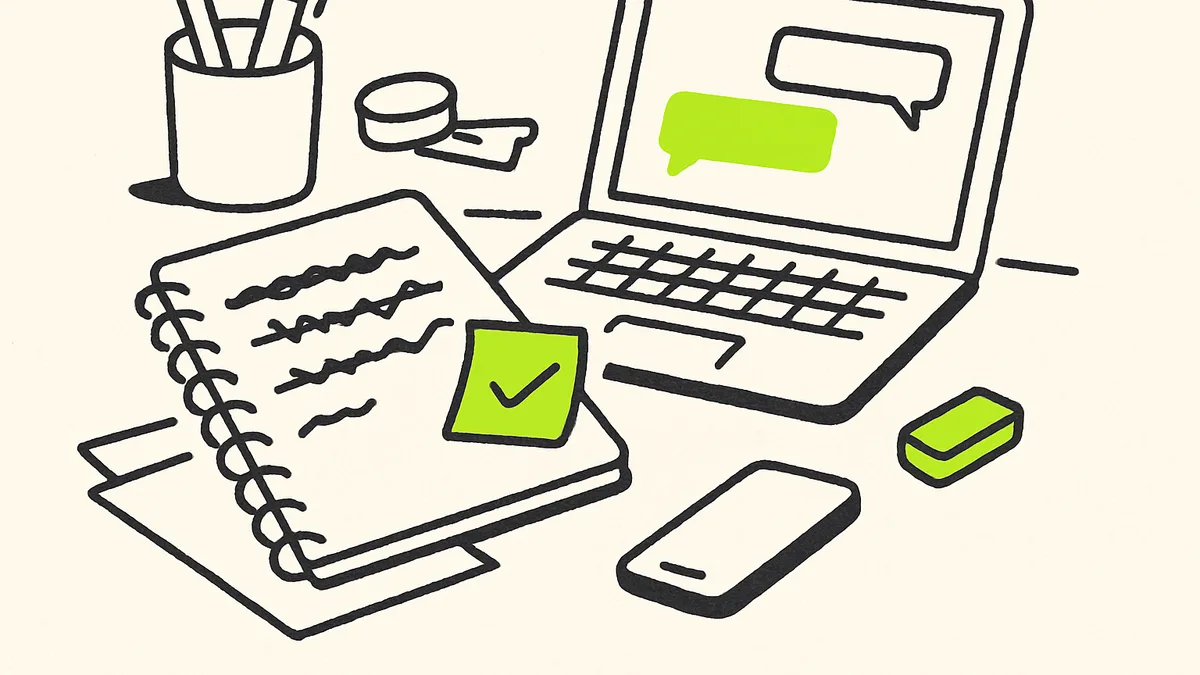
A 'personal AI assistant' is not usually a separate piece of software. It is an existing chatbot — ChatGPT, Claude or Gemini — with a few settings turned on: memory that carries details between conversations, custom instructions that tell it how to behave every time, and sometimes a connected app or two. Setting one up is a configuration job, not a build.
What the feature actually is
ChatGPT's memory feature lets the assistant remember facts a user chooses to share, such as a business name or a preferred tone, and bring them into later chats without being asked again. Separately, custom instructions let someone write a standing note — who they are, what they do, how they want answers formatted — that applies to every new conversation.
Anthropic's Projects feature works along similar lines inside Claude: a dedicated space with its own instructions and reference material, so the assistant answers consistently for one business or one task without starting from scratch each time. None of this requires code or a developer.
What it is not
It is worth being clear about what a 'personal assistant' setup is not. It is not a custom GPT, the builder tool OpenAI introduced for creating specialised chatbots — those are being retired on December 11, 2026, with plugins as the replacement, and migration does not carry over sharing settings or custom actions. Anyone who built one as their 'personal assistant' should plan to move it before that date rather than treat it as the long-term option.
OpenAI's custom GPTs stop working on December 11, 2026, and only the latest published version of each one migrates automatically.
Setting one up
- 1
Turn on memory
In the chatbot's settings, find the memory or personalization option and switch it on. This is what lets it recall business details between sessions instead of being told fresh each time.
- 2
Write custom instructions once
Spend ten minutes writing who the business is, what it does, and how answers should sound. This single note shapes every future conversation.
- 3
Connect only the apps actually used
If the tool offers to connect email, calendar or a CRM, add only what gets used daily. Every connection is a thing to review later if the tool or the account changes hands.
- 4
Test it with a real question
Ask it something specific to the business, like drafting a reply to an actual customer email, before relying on it for client-facing work.
- 5
Check saved memory every few months
Memory can hold outdated or sensitive details longer than expected. A quick look twice a year catches anything that should be removed.
Reality check
There is no need to pay for a course or a 'custom AI assistant' package to get this. The settings described above are already included in the subscription a business is likely paying for; the only cost is the time to write the instructions and decide what to connect.
The gap between a demo video and a working setup is usually smaller than it looks. The harder part is not the toggle, it is deciding what the assistant should know about the business and what it should not — a decision worth making deliberately rather than by default.
Sources