In plain English
- What happened
- OpenAI has made it easier to get paperwork into ChatGPT from a phone. In the release notes for October 1, 2026, the company says you can now capture multiple pages in a row and ChatGPT will combine them into a single PDF, ready to upload to a chat. You get to it by opening the camera inside ChatGPT, tapping the three-dot menu and choosing Scan. It is rolling out on iOS.
- Why it matters to your business
- This is the small kind of change that quietly removes a job. If you have ever photographed a six-page signed estimate one sheet at a time, uploaded six separate images, and then explained to the assistant which order they go in, that whole routine collapses into one scan. It also means the thing you hand the assistant is a document rather than a pile of pictures, which is what you would want to keep for your own records anyway.
- Do this
- Open the ChatGPT camera on an iPhone, tap the three-dot menu and look for Scan. Run a few pages of real paperwork through it before trusting it with anything a client is waiting on.
Most of the AI news that gets attention is about models getting cleverer. This one is about paper, which is what a lot of small businesses are actually still buried in.
What changed
The ChatGPT phone app could already take a photo and let you ask questions about it. What it could not do was treat a stack of pages as one thing. Each sheet went in as a separate image, and anything longer than a page or two turned into an upload queue.
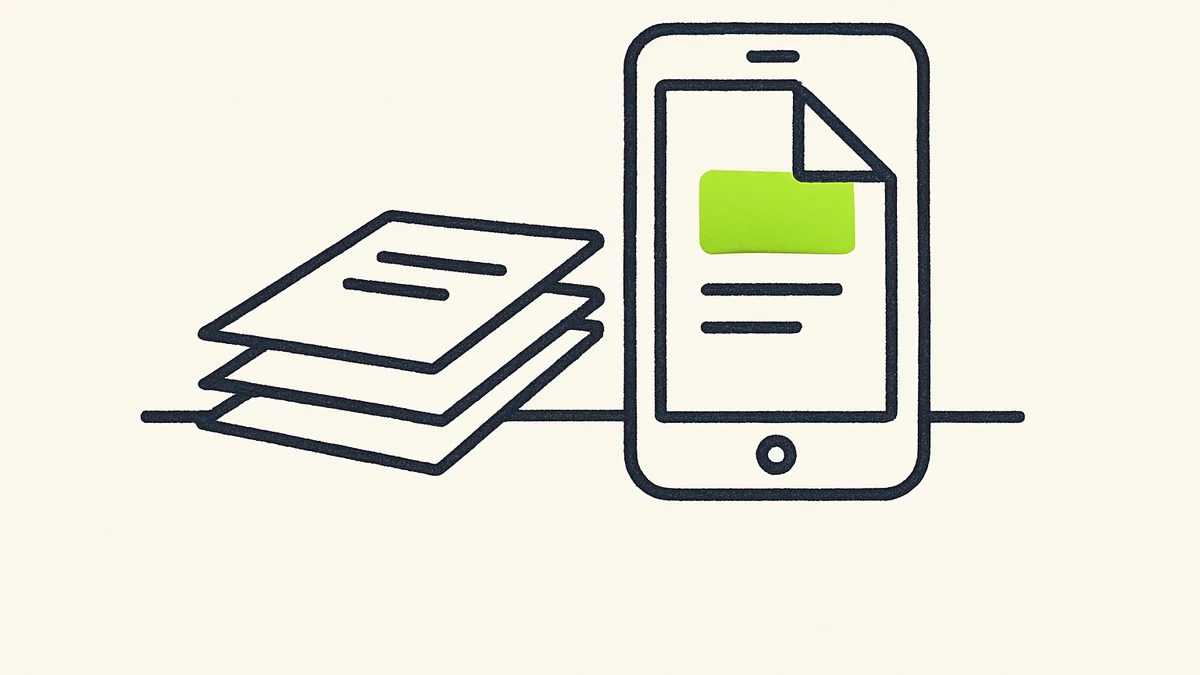
The Scan option changes that. You photograph the pages one after another in a single pass, and the app assembles them into one PDF before it reaches the chat. OpenAI describes it as capturing multiple pages in a row, with ChatGPT combining them automatically.
It is listed as rolling out on iOS. If you are on Android and the three-dot menu has no Scan option yet, that is why.
Where this actually helps
The obvious one is anything signed. Estimates, work authorisations, delivery notes, a contract a customer marked up by hand. Those arrive as paper, they are rarely one page, and they usually need to end up somewhere other than a camera roll.
The less obvious one is the paperwork nobody has got round to digitising. Intake forms from a front desk, supplier invoices that still come in an envelope, handwritten notes from a site visit. A single PDF per job is a filing system. Eleven photos named IMG_4471 through IMG_4481 is not.
Reality check
A scan is not the same as text you can search. The release notes describe combining pages into a PDF and nothing about reading the words on them, so treat it as a better way to capture paperwork rather than as a replacement for whatever you use to pull data out of it. Worth checking what you get back before building a process on top of it.
Before you rely on it
- 1
Find it on one phone first
Open the camera inside ChatGPT, tap the three-dot menu and look for Scan. If it is not there yet, the rollout has not reached that account, and there is nothing to configure.
- 2
Run real paperwork through it, not a clean test page
Use something typical — a stapled estimate, a form with handwriting, a page with a signature at an angle. A feature that handles a crisp sheet of A4 may still struggle with what actually crosses your desk.
- 3
Decide where the PDF goes afterwards
The scan gets the document into a chat. It does not file it. Worth agreeing where the finished PDF lands — the job folder, the customer record, the shared drive — before anyone starts using this for live work.
- 4
Check it against what you already pay for
If there is a scanning app on the same phones, this may overlap with it. Some businesses will find one of the two is now redundant, which is worth knowing before the next renewal.
None of this is dramatic. It is one menu item that removes a few minutes of fiddling from a task somebody does most weeks, which over a year is a more reliable saving than most of the things announced with a launch video.
Sources