In plain English
- What happened
- A growing number of small business owners are asking whether they can prompt ChatGPT to build software for them — a video editor, a booking form, an inventory tracker — instead of buying it. OpenAI's canvas interface, introduced in October 2024, gives ChatGPT a side panel for writing, editing and reviewing code alongside a normal conversation. It does not, on its own, host, secure or maintain anything you build with it.
- Why it matters to your business
- Any code ChatGPT writes still needs somewhere to run, someone to test it against real files, and a plan for what happens if it ever touches customer data. Under OpenAI's current terms of use, the business owns the output it creates, but the service is provided without a warranty that the output will work correctly. That gap between 'ChatGPT wrote it' and 'it works reliably in my shop' is where most of these projects run into trouble.
- Do this
- Try asking ChatGPT to build something low-stakes first, like a script that renames a batch of files, and see how much cleanup the result needs before trusting it with anything client-facing.
The short answer is yes, with a catch. ChatGPT can write working code for a simple tool — a script that trims video clips, a form that logs bookings to a spreadsheet, a page that resizes photos — and it can do it in minutes rather than the weeks a custom developer might quote. The catch is that writing the code and running a real, reliable tool in your business are two different jobs.
What canvas actually gives you
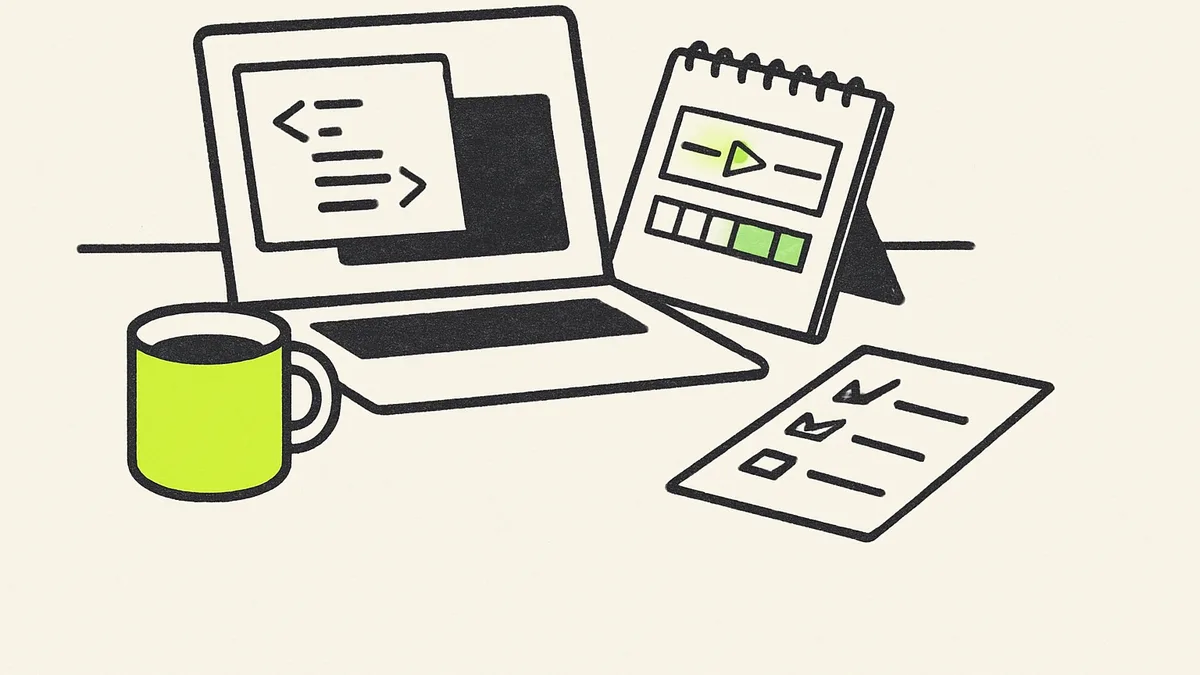
OpenAI's canvas interface opens a separate working window next to the chat, so you and the model can look at a document or a piece of code together instead of scrolling through a wall of text. For coding tasks it includes shortcuts for things like reviewing the code, adding logging so you can see what it is doing, fixing bugs, and porting the same logic to a different programming language.
That is a real capability, and it is a big step up from copying code out of a chat reply and hoping it runs. But canvas is an editing surface, not a hosting service. Whatever ChatGPT writes still has to run somewhere — on your own computer, on a web host, inside some other app — and somebody has to keep that running as your operating system, browser or dependencies update.
Who owns it, and who is responsible when it breaks
Under OpenAI's current terms of use, you own the output ChatGPT generates for you, including code, which matters if you plan to use or resell a tool it helped build. The same terms describe the service as provided without a warranty that it will be error-free or fit for a particular purpose. In practice that means if the video editor mangles a client's file, or a booking form drops an appointment, the responsibility for catching that sits with whoever put the tool in front of customers — not with OpenAI.
OpenAI's current terms of use give the business ownership of code ChatGPT writes, but explicitly disclaim any warranty that the output will work as intended.
Reality check
A prompt that produces a video editor in a demo is not the same as a tool ready for paying customers. Anything that touches customer files, payment details or scheduling deserves a real test against messy, real-world inputs — a corrupted file, a duplicate booking, a slow internet connection — before it goes anywhere near a client, and most small businesses are better off treating an AI-built tool as a prototype to learn from rather than a product to ship.
A reasonable way to try this
- 1
Start with something internal, not client-facing
Ask ChatGPT to build a small tool for a task only you or your staff will use — renaming files, formatting a report — before trusting it with anything a customer sees.
- 2
Ask it to explain what the code does
Have ChatGPT walk through the logic in plain language, not just show the code, so you know roughly what it is doing even if you cannot read the syntax.
- 3
Test it on real, messy data
Feed it an oddly named file, a duplicate entry, or a slow connection before deciding it works, since demo conditions rarely match a real workday.
- 4
Keep a fallback for anything client-facing
If the tool touches bookings, payments or customer files, keep the paid software you already trust running alongside it until the AI-built version has proven itself for weeks, not minutes.
- 5
Have someone review it before it handles customer data
A second set of eyes checking for obvious security gaps costs far less than explaining a data leak to a client later.
None of this means the idea is a bad one. For a one-off internal task, or a simple tool nobody outside the business will ever touch, prompting ChatGPT to build it can save real money and time compared with buying software you only need occasionally. The line to watch is the one between a tool you use yourself and a tool your customers rely on — the second kind needs more scrutiny than a single good prompt provides.
Sources